Writing
Blog
Product notes, engineering write-ups, and lessons from building, operating, and buying software at CodeConda.

How to create a web app using Flask in Python (Part 2)
If you haven't already, read Part 1 in our Flask series. This tutorial is going to pick up where Part 1 left off. If you followed the instructions correctly, you should have a Python file with the following code: from flask import Flask

How to create a web app using Flask in Python (Part 1)
Flask is a lightweight web application framework written in Python. Other examples of popular web frameworks are Ruby on Rails, Django, and Spring. Flask's no-frills, minimal design makes it a good choice for beginners to get started with web application development. Web frameworks are by no means a requirements to build a website, but they're useful for developing in any language other than JavaScript and for more complicated sites.The first step to using Flask is to install Flask. To achieve t
What is the purpose of a web framework
Web frameworks provide reusable structure for routing, requests, templates, data access, security, and other common application work. Browsers run JavaScript natively, while server-side web applications can use many programming languages with or without a full framework.

The five-step process to solving any LeetCode challenge problem
Many developers reach a stage where they understand the syntax and structure of a language but still find it difficult to turn that knowledge into a solution for a challenge problem. Problem solving is a skill that can be practiced, and these five steps provide a repeatable way to approach it.
How to run Python code
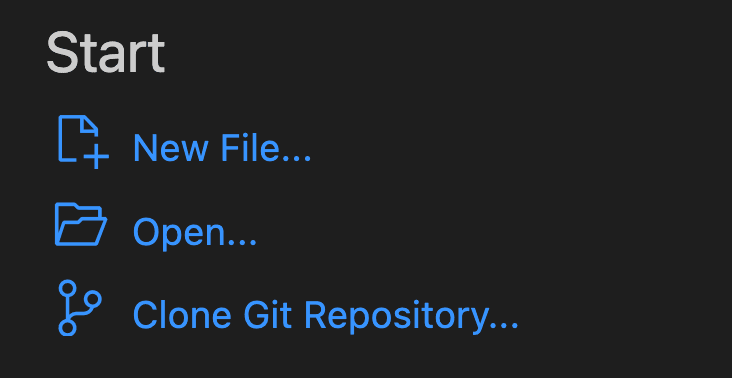
The first step in learning to code is setting up your computer to be able to run the code that you write. For Python, this can be achieved using the command line or an IDE (Integrated Development Environment). We recommend the VS Code (Visual Studio Code) IDE for beginners. VS Code is a fully-featured IDE created by Microsoft that supports a wide range of programming languages (including Python). This post will be walking through how to set up VS Code to execute Python code.