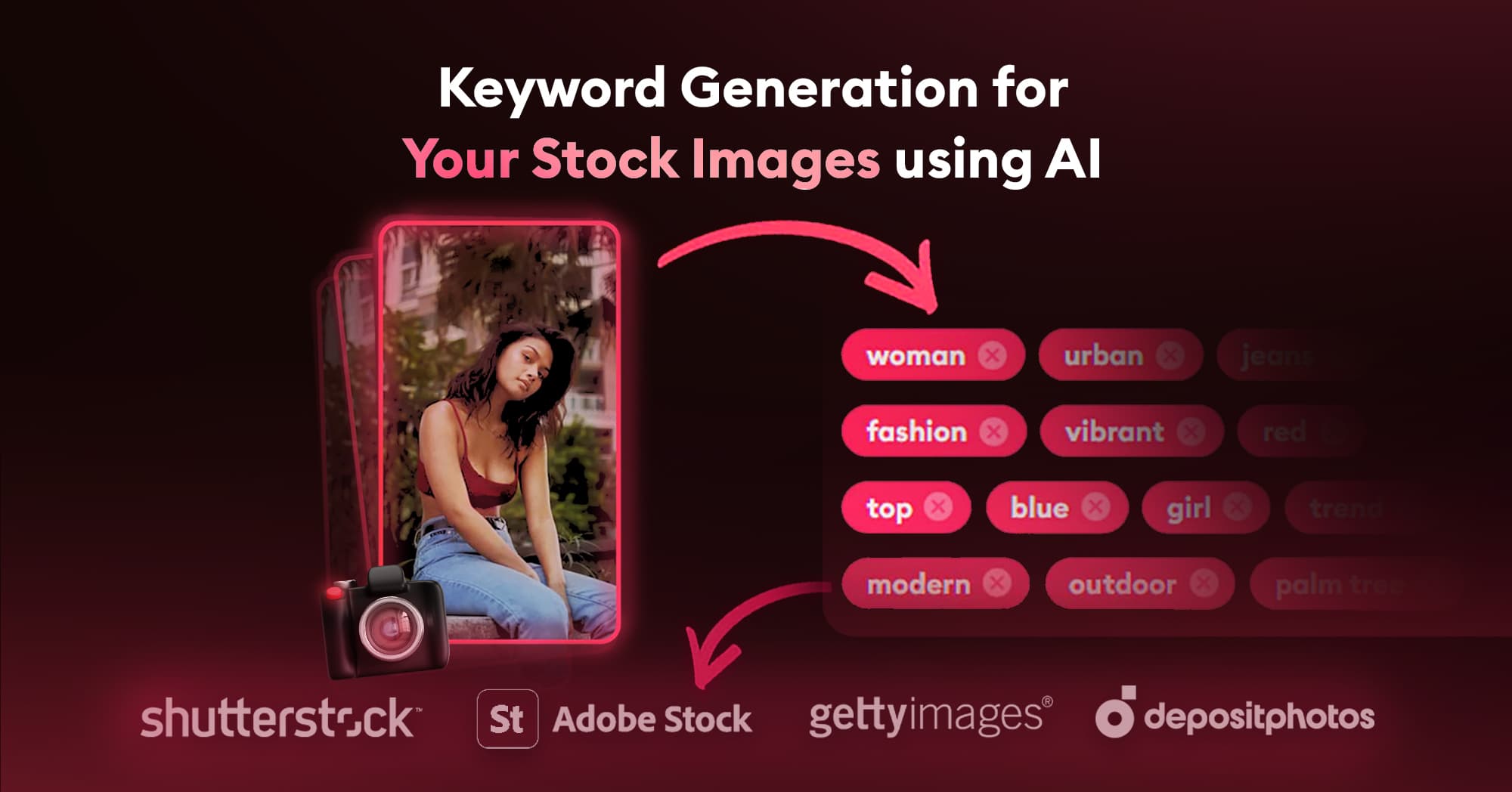
If you’re a stock photographer, you know how crucial it is to have well-crafted keywords, titles, and descriptions for your photos and videos. These elements determine how easily your work can be found by potential buyers. Thankfully, with advancements in AI technology, this process has become significantly easier. One standout tool in this space is PhotoTag.ai. In this post, we’ll walk you through how to use PhotoTag.ai to streamline your workflow and optimize your stock photo metadata.
Getting Started with PhotoTag.ai
- Sign Up: Visit the PhotoTag.ai website to create your account. The sign-up process is straightforward, requiring just a few basic details.
- Upload Settings: Once you’re logged in, it’s time to customize your upload settings. PhotoTag.ai offers a variety of options:
- Max Keywords: Set the maximum number of keywords you want to generate for each photo or video.
- Max Title Length: Define the maximum length of your titles to ensure they meet the requirements of different stock photo agencies.
- Custom Context: Add specific context to help the AI generate more accurate metadata.
- Language: Choose the language for your keywords, titles, and descriptions.
- Custom keyword counts, export formats for major stock agencies, and batch reprocessing for large libraries.
- Upload Your Content: You can upload up to 1,000 photos and videos at a time. Simply drag and drop your files into the upload area.
- Processing: After uploading, PhotoTag.ai’s powerful AI gets to work. In just a few minutes, it generates detailed keywords, titles, and descriptions for each of your files.
Exporting Your Metadata
Once the processing is complete, exporting your metadata is a breeze. PhotoTag.ai supports exporting to any stock photo agency, including:
- Shutterstock
- Adobe Stock
- Getty Images
- Freepik
- YAY Images
- Pixta
- Vecteezy
- Pond5
- Envato
- Dreamstime
- Storyblocks
- MicrostockPlus
- BlackBox
You can download the metadata in the format required by these platforms, making it easy to upload your content and start selling right away.
Upgrading Your Account
PhotoTag.ai includes 3 free upload credits so you can test the workflow. When you need more volume, the pricing page shows the available one-time credit bundles and any active checkout discounts.
Conclusion
Generating useful keywords, titles, and descriptions for your stock photos and videos doesn’t have to start from a blank field. With PhotoTag.ai, you can create AI-assisted metadata drafts in batches, review them for accuracy, and export the results for your publishing workflow.
Other Useful Tools for Stock Photographers
In addition to PhotoTag.ai, here are some other valuable tools for stock photographers:
- Xpiks: A cross-platform keywording and uploading tool for stock photographers.
- StockSubmitter: An application to simplify the submission process to multiple stock agencies.
- Adobe Lightroom: A powerful photo editing and management software.
PhotoTag.ai How-To Articles
For more detailed guidance on using PhotoTag.ai, check out these helpful articles: